
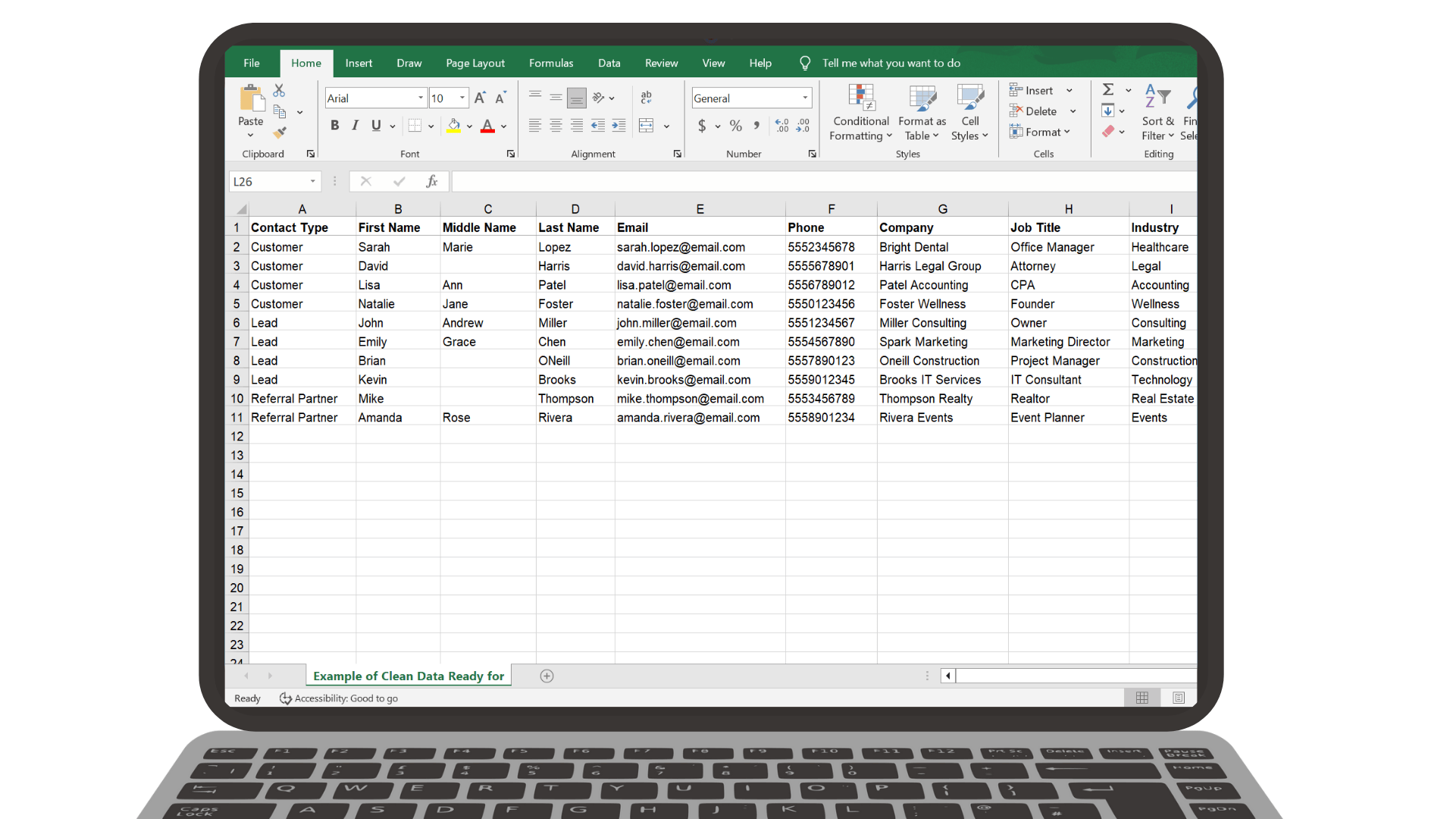
These simple cleanup rules help your CSV import cleanly into Segwik without errors, confusion, or messy data.
A CSV file is just a spreadsheet saved in a simple format. Segwik reads exactly what’s in that file — nothing more, nothing less.
Avoid vague headers like “Info” or “Details.”
Imports don’t have to be flawless.
The goal is clean enough — not perfect.
Use this sample spreadsheet as a starting point for your own CSV import. It includes common fields, proper formatting, and example data.
Download Sample CSV Template
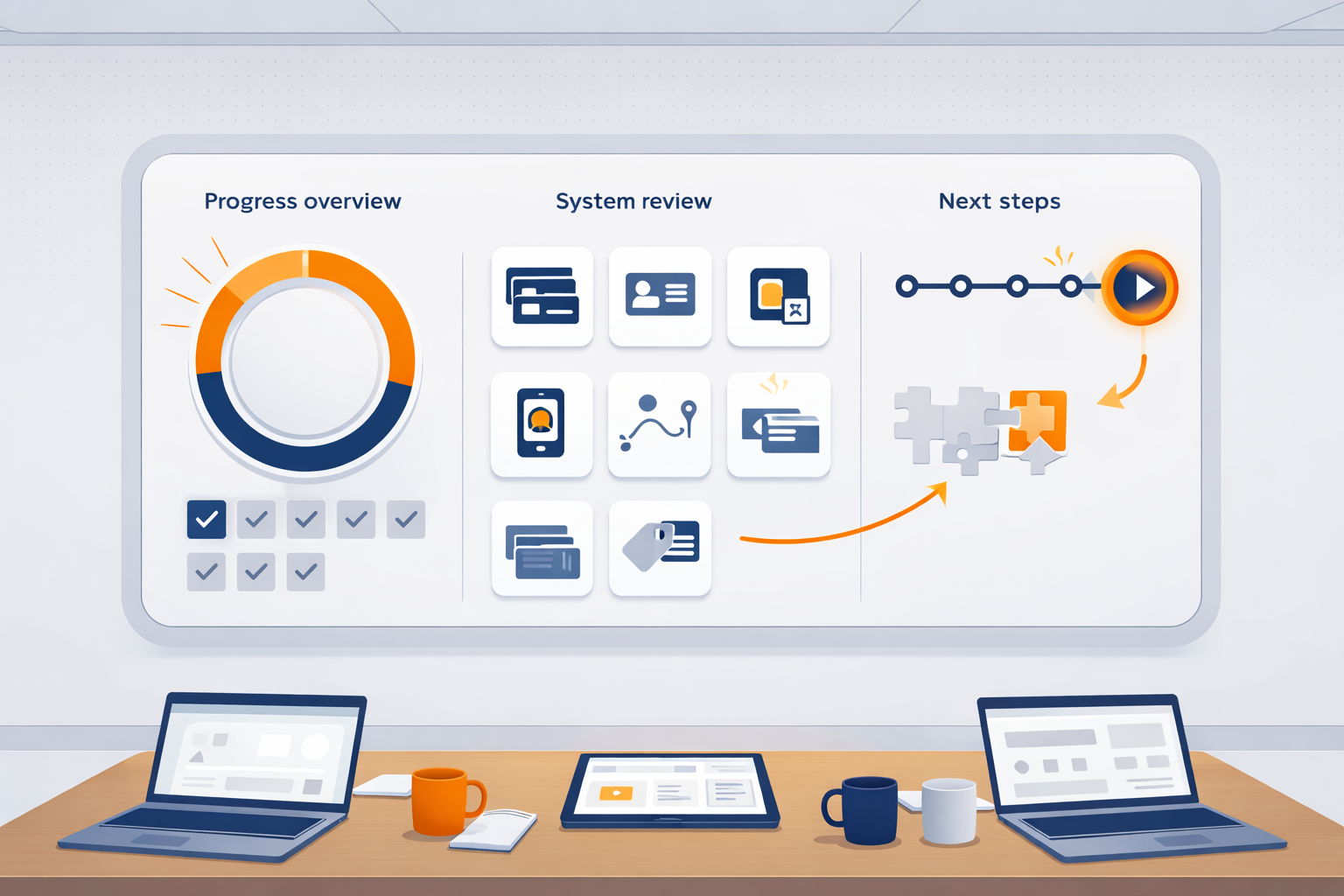
Best mindset: show up honestly — we’ll build the system around what you actually need.
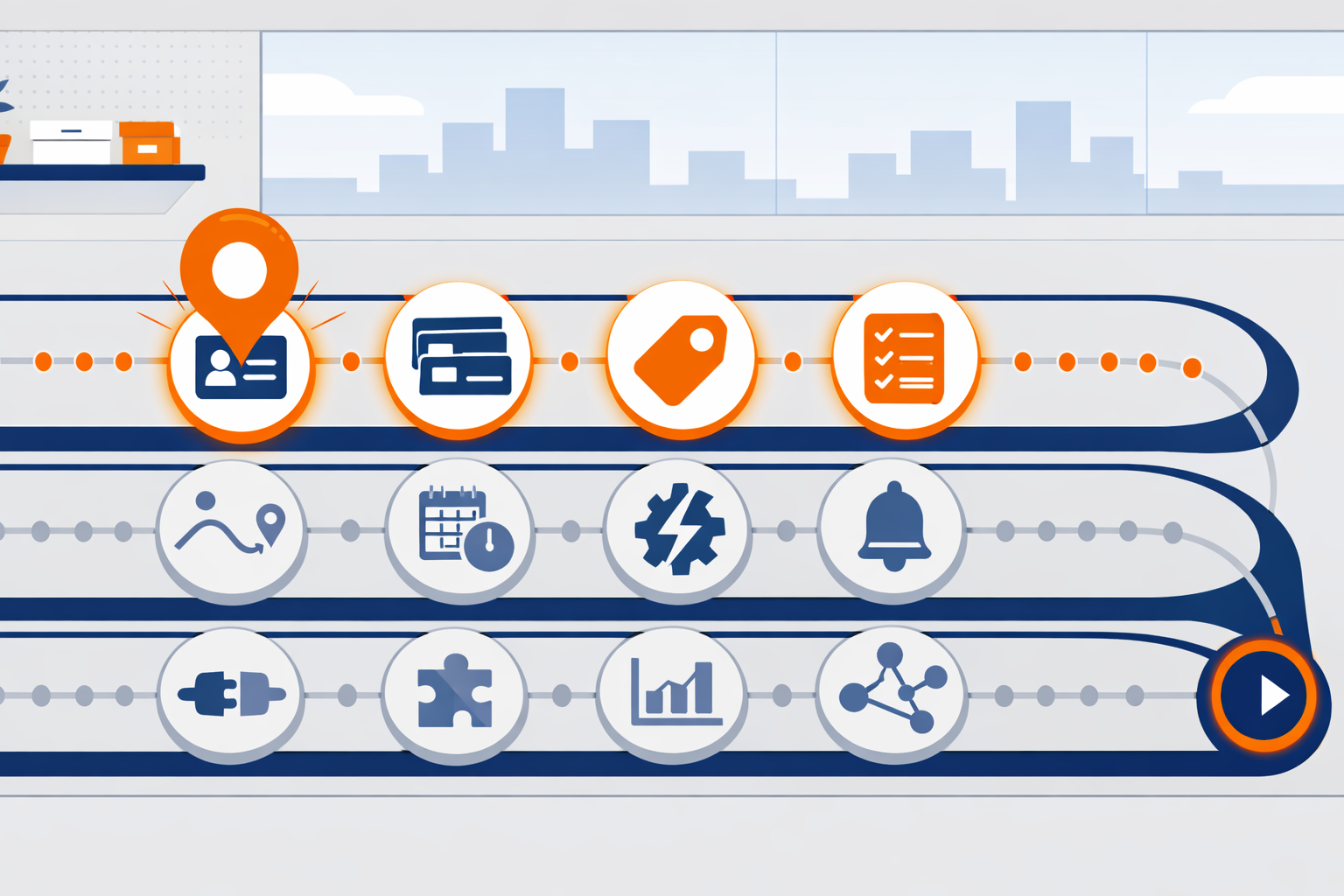
If you’re ever unsure what to do next, the Roadmap is your answer.

If you use Segwik consistently for one month, you stop relying on memory. You stop losing track of people. You stop wondering what to do next.
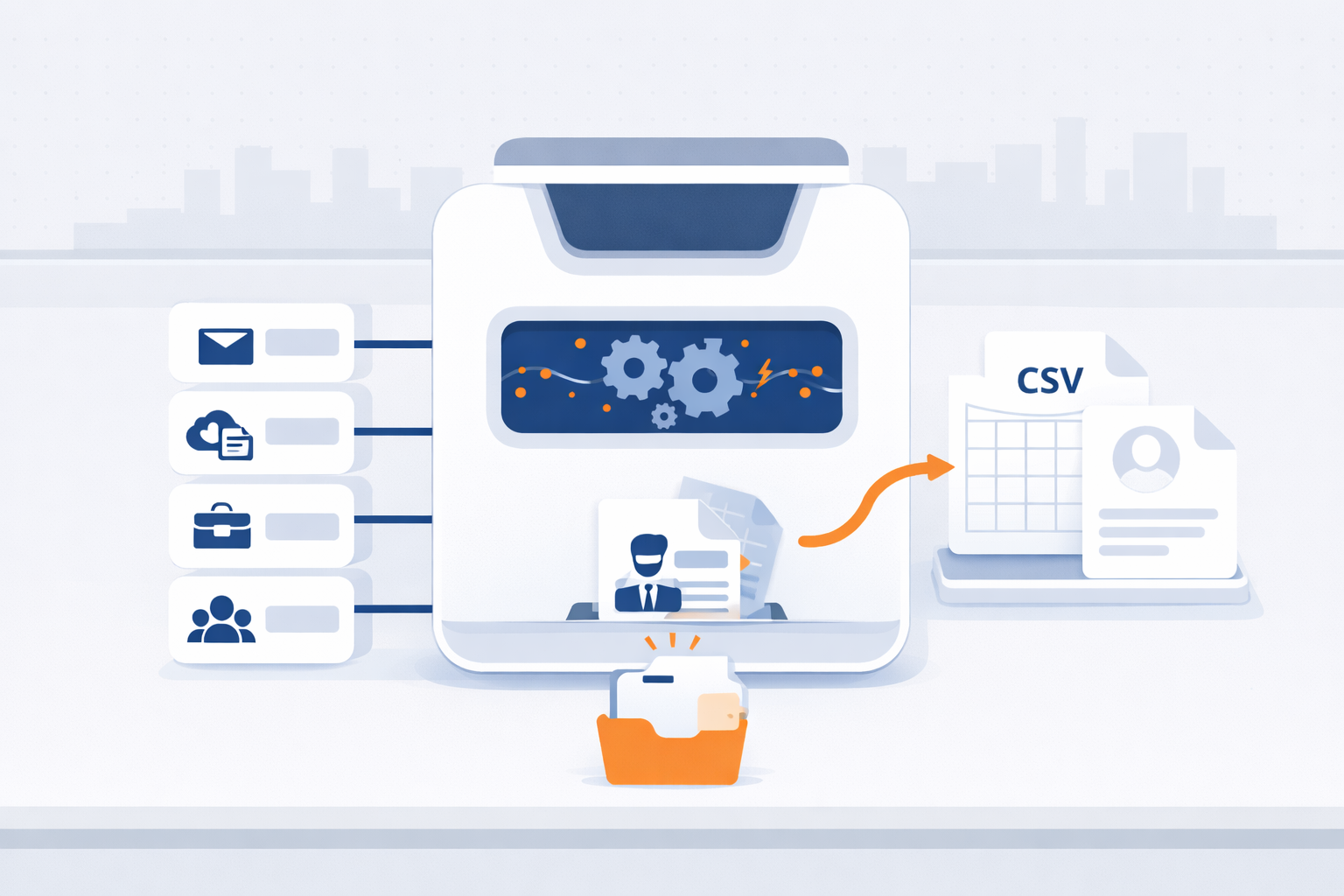
Export your contacts from Gmail, iCloud, Outlook, or Mailchimp in minutes—so you can bring them into Segwik quickly and stay organized.
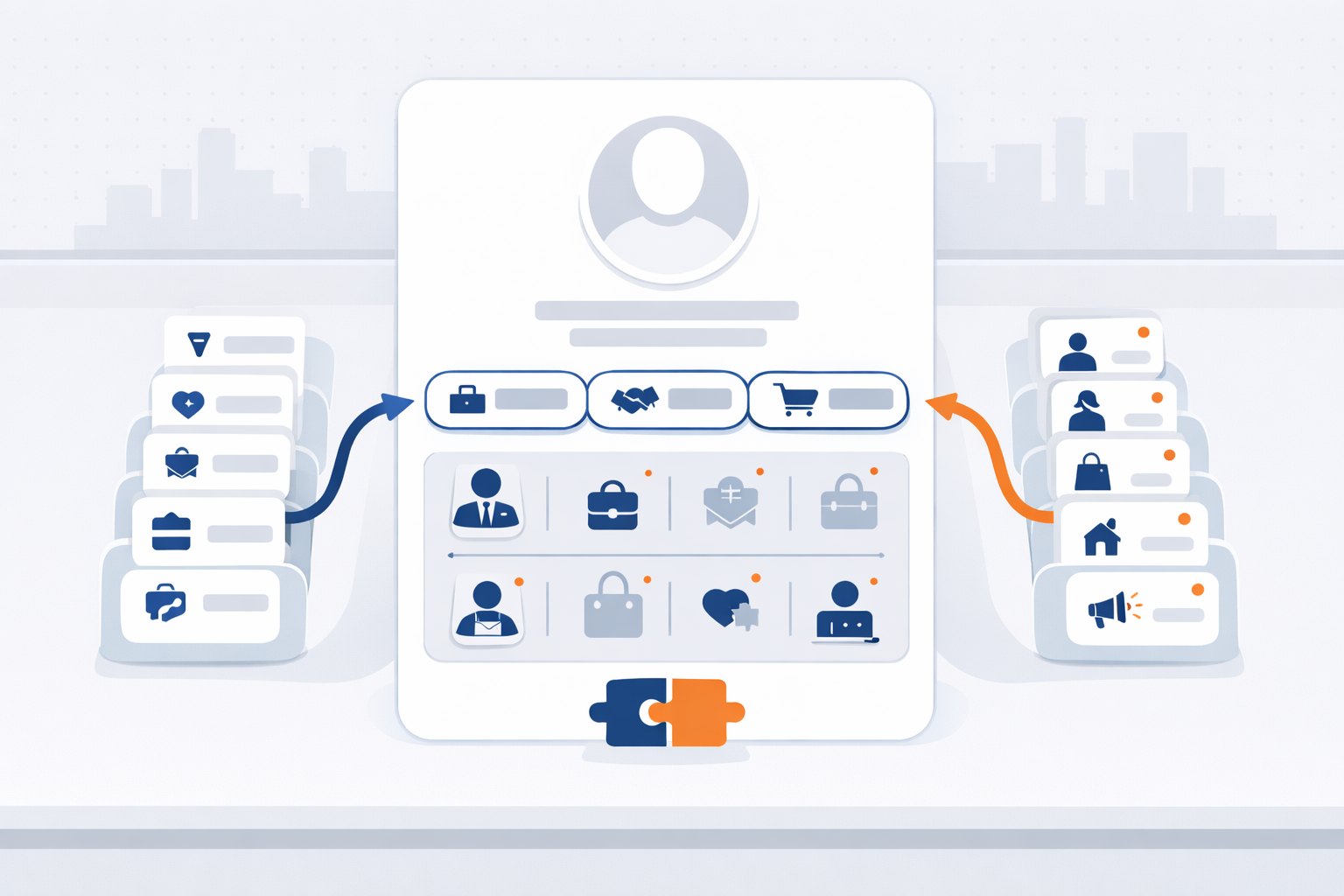
Contact Types and Personas help Segwik understand both your relationship to someone and who they are in your world.

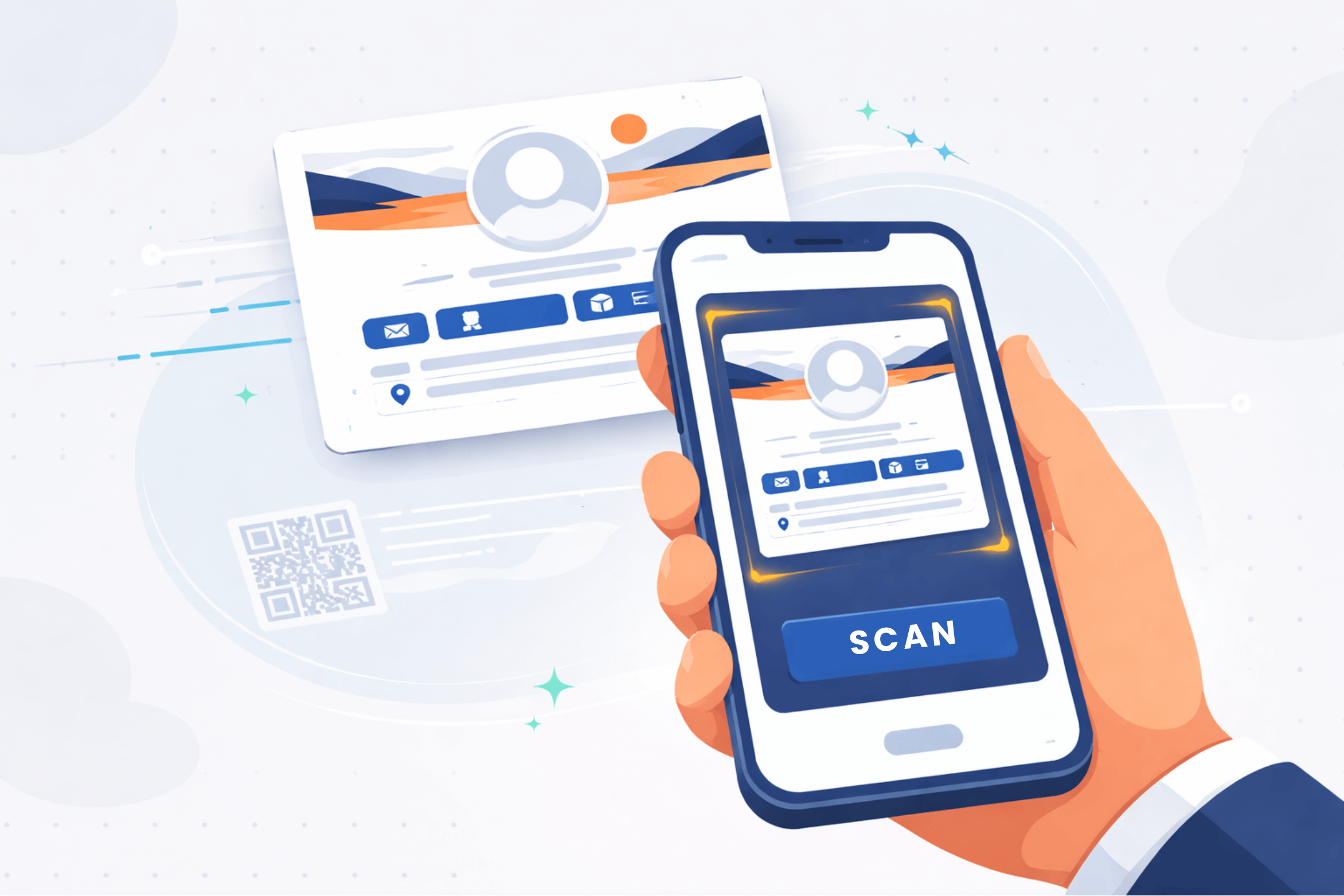
A great digital card makes it easy for people to save you, contact you, book time with you, and share you—without friction.
Clean data imports faster, maps easier, and creates fewer issues later.
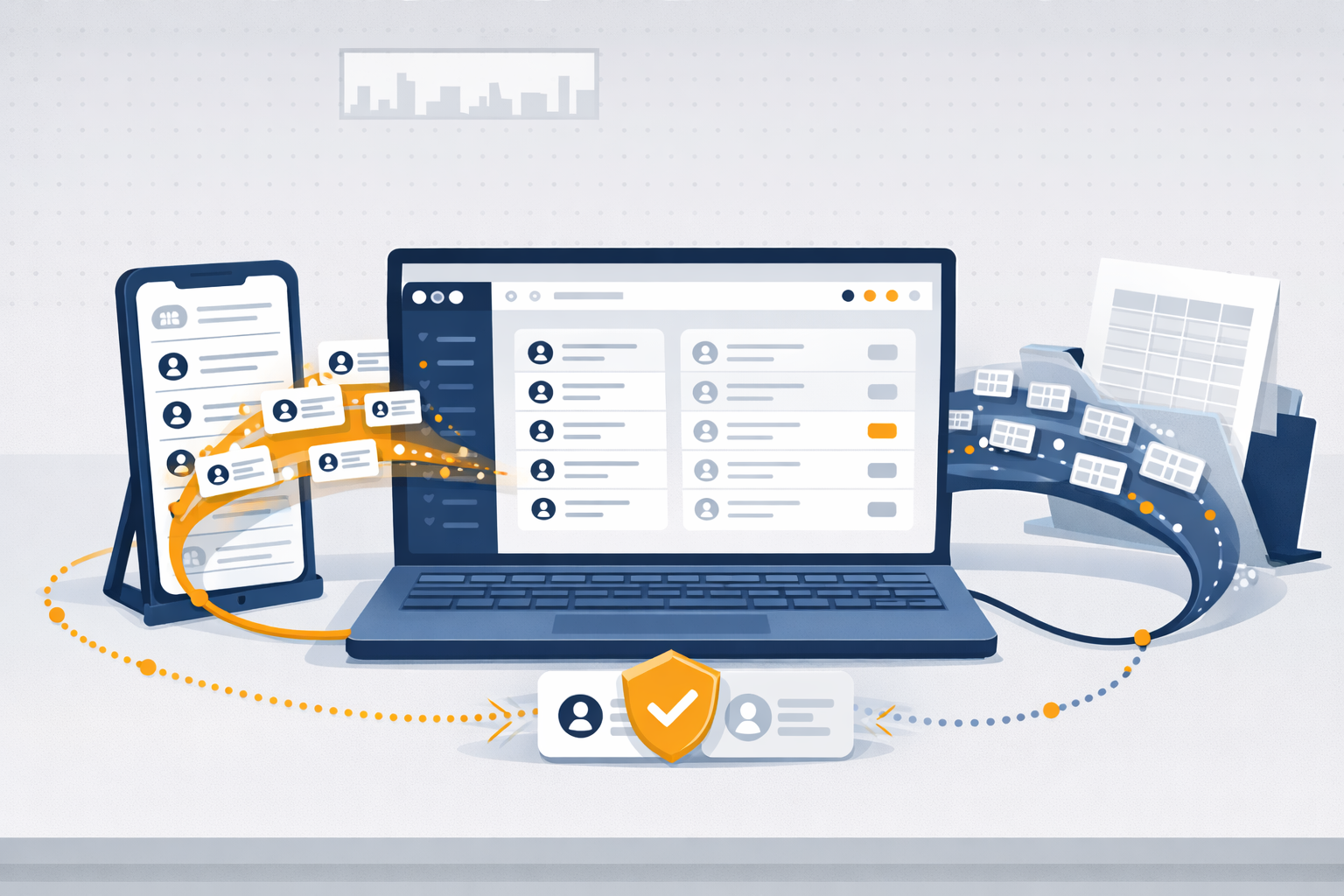
Importing helps you get your existing contacts into Segwik quickly so you can focus on relationships instead of retyping information.

See how familiar experiences like airlines, restaurants, dentists, retail, and online ordering guide people step-by-step — with automation quietly keeping everything on track.